
Modes
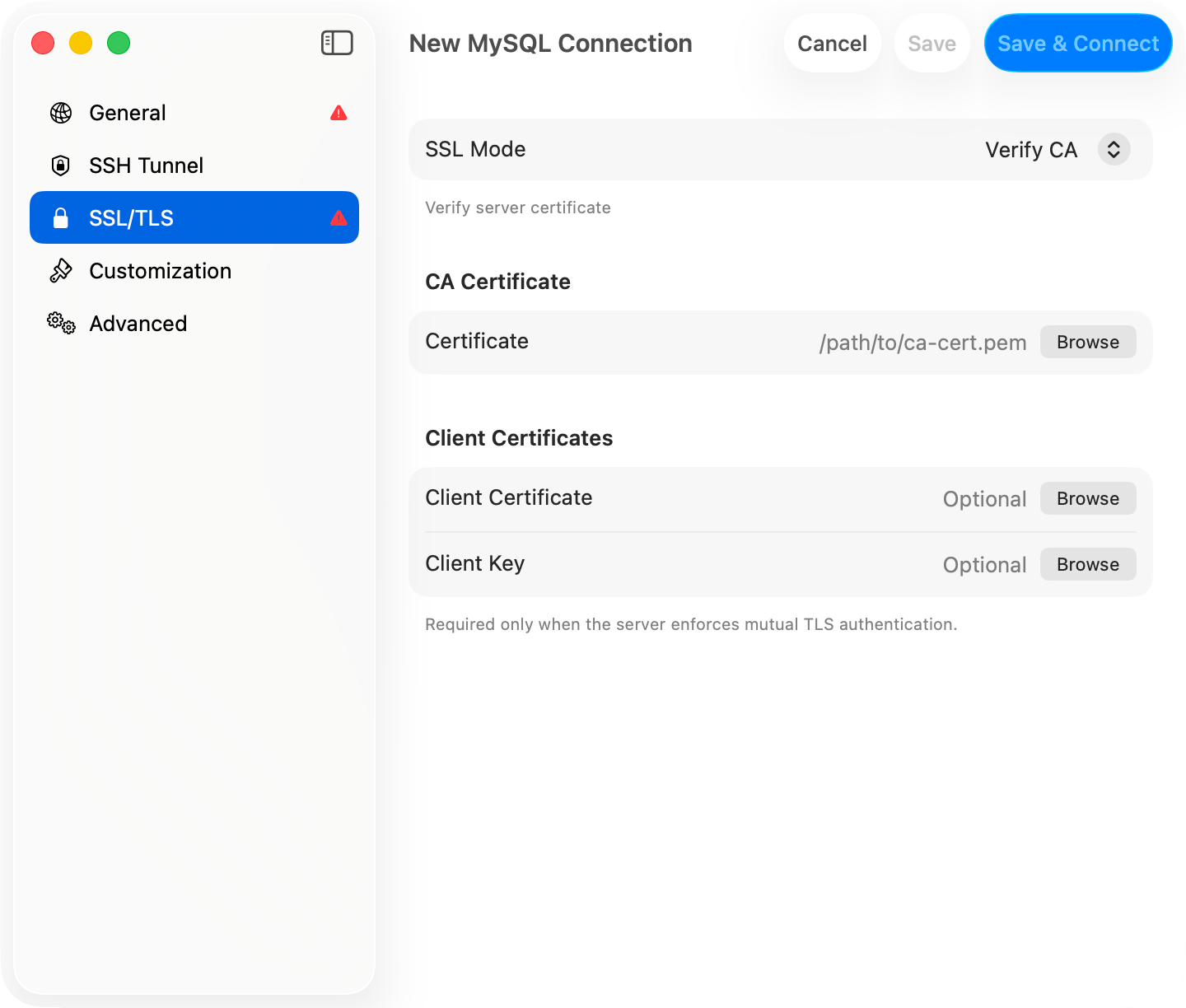
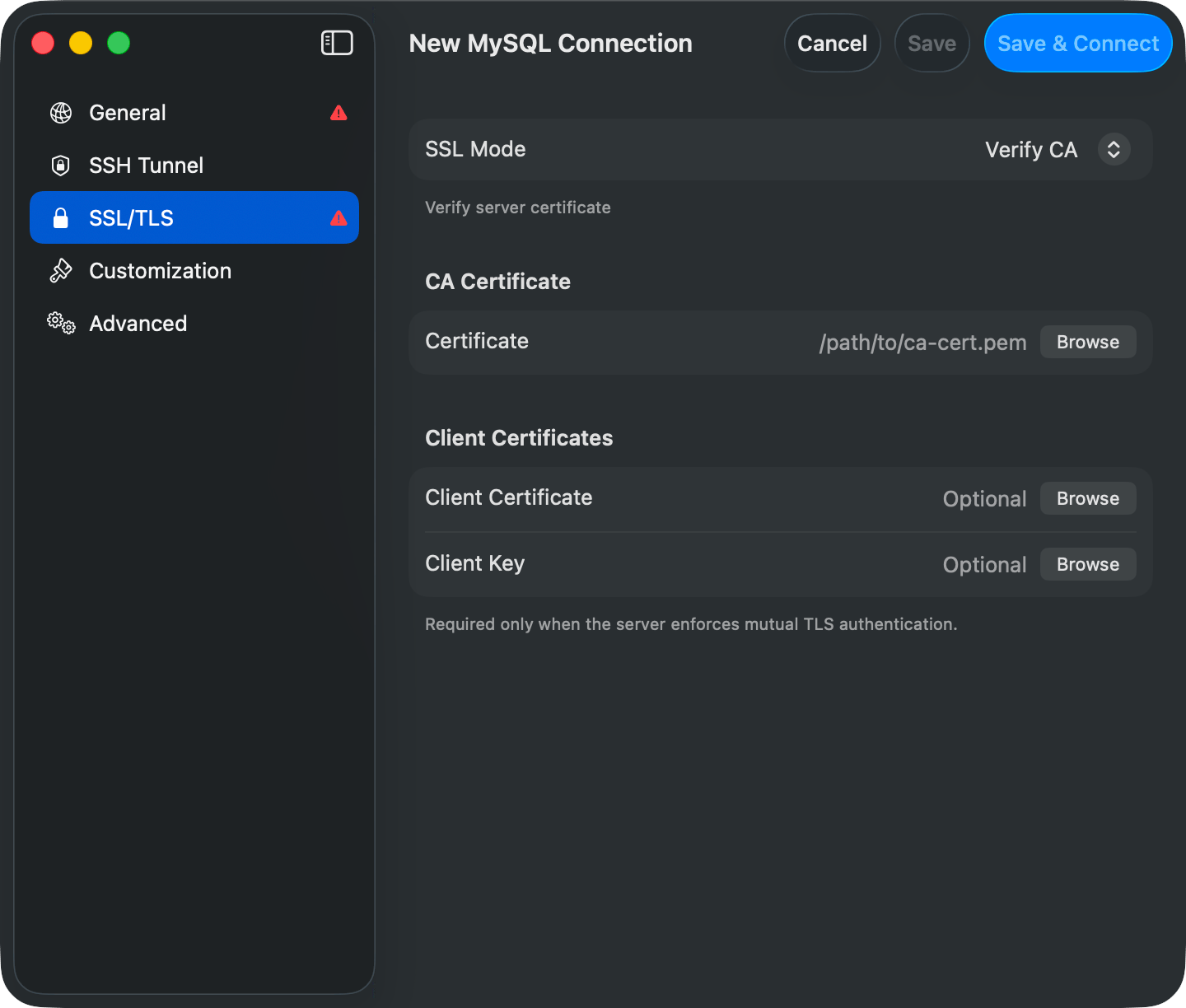
SSL/TLS pane in the connection form
Per-driver defaults
New connections pick the mode that matches each driver’s native behavior. Open the SSL/TLS pane on any connection to see the driver-specific guidance.
Managed services (AWS RDS and Aurora, Google Cloud SQL, Azure, Heroku, Supabase, Neon, PlanetScale, MongoDB Atlas, Redis Cloud, Upstash, ElastiCache, DataStax Astra, Oracle Autonomous Database, ClickHouse Cloud) require TLS out of the box. Pick Required, or Preferred where the driver falls back.
Preferred fallback behavior
Preferred mode tries TLS first. What happens if the server doesn’t support TLS depends on the driver:- PostgreSQL, Redshift, CockroachDB: libpq falls back to plain TCP natively
- SQL Server: FreeTDS
encryption=requestfalls back to plain - MySQL, MariaDB: 2-pass connect tries TLS, then plain on SSL-specific handshake errors (CR_SSL_CONNECTION_ERROR, CR_SERVER_HANDSHAKE_ERR, ER_HANDSHAKE_ERROR). Auth and network errors are not retried.
- MongoDB, Redis, Cassandra, ClickHouse, etcd, Elasticsearch, SurrealDB: no fallback. Preferred forces TLS, same as Required. The SSL/TLS pane shows a warning when you pick Preferred.
- Oracle: no opportunistic TLS. Preferred connects in plain TCP, so it behaves like Disabled. The SSL/TLS pane shows a red warning; use Required to enforce TCPS.
- Teradata: opens a TLS transport, then retries on a plain socket if that transport fails to come up
- Trino: no fallback. Preferred sends every request over HTTPS, same as Required.
Troubleshooting
”FATAL: no pg_hba.conf entry for host … no encryption”
PostgreSQL server requires SSL. Switch SSL Mode to Preferred or Required.”Connections using insecure transport are prohibited”
MySQL server hasrequire_secure_transport=ON. Switch SSL Mode to Preferred or Required.