> ## Documentation Index
> Fetch the complete documentation index at: https://ngquct-feat-721-compare-sync.mintlify.site/llms.txt
> Use this file to discover all available pages before exploring further.
# MariaDB
> Connect to MariaDB 10.x and later through the bundled MySQL driver
TablePro supports MariaDB 10.x and later. MariaDB connections use the bundled MySQL driver, built on MariaDB Connector/C 3.4.8. Pick **MySQL** or **MariaDB** in the connection form; both route to the same driver. Connection fields, [AWS IAM](/databases/aws-iam), SSL/TLS, and the rest of the feature set match MySQL, so [MySQL](/databases/mysql) covers them. One exception: the Cloud SQL Auth Proxy pane is offered for MySQL, PostgreSQL, and SQL Server only.
## Connection URL
Both schemes open a connection; `mariadb://` creates a MariaDB connection, `mysql://` a MySQL one:
```text theme={null}
mariadb://user:password@host:3306/database
```
See [Connection URL Reference](/databases/connection-urls).
## Differences from MySQL
* The default authentication plugin is `mysql_native_password`; MySQL 8 defaults to `caching_sha2_password`. Both work.
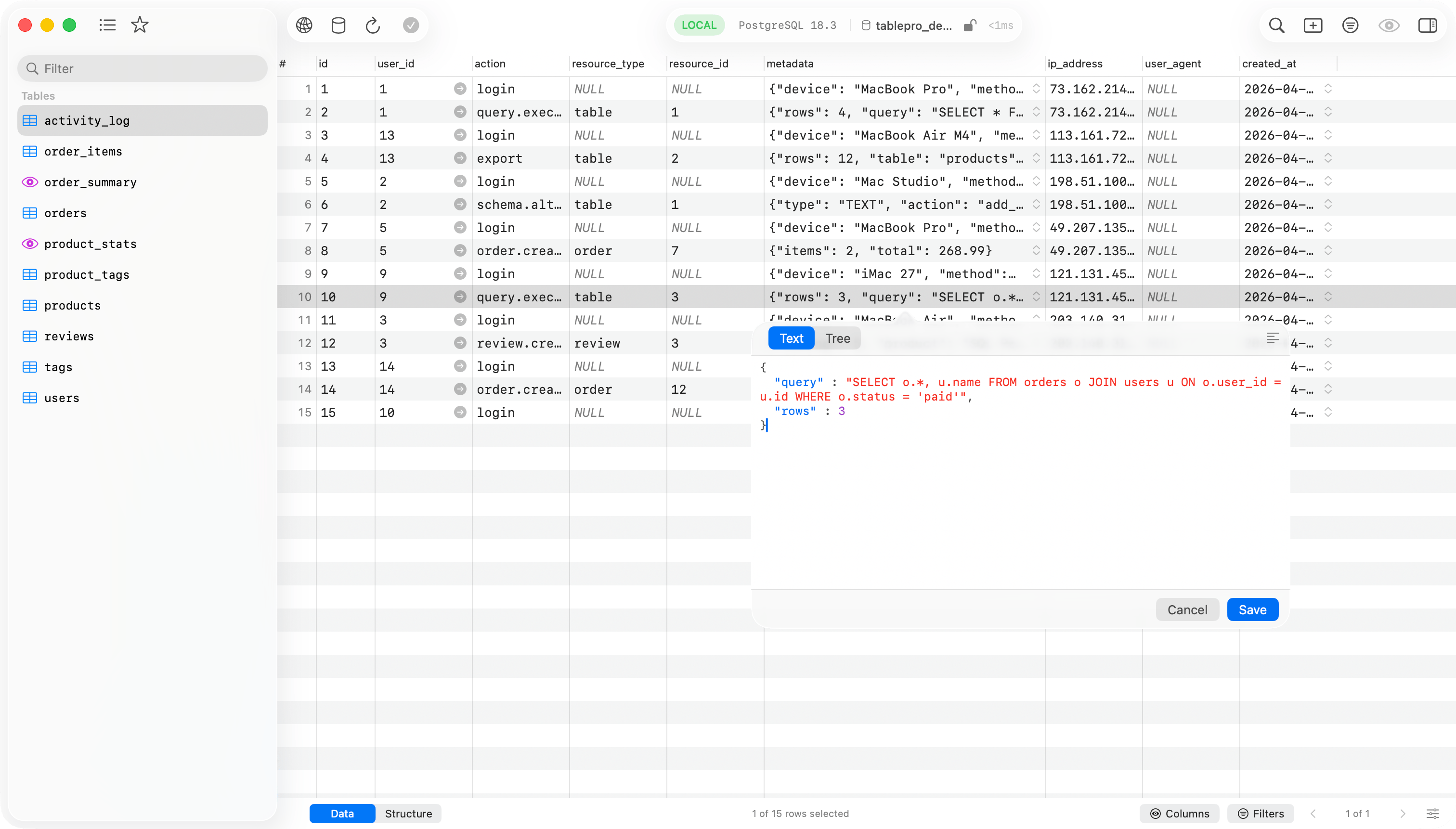
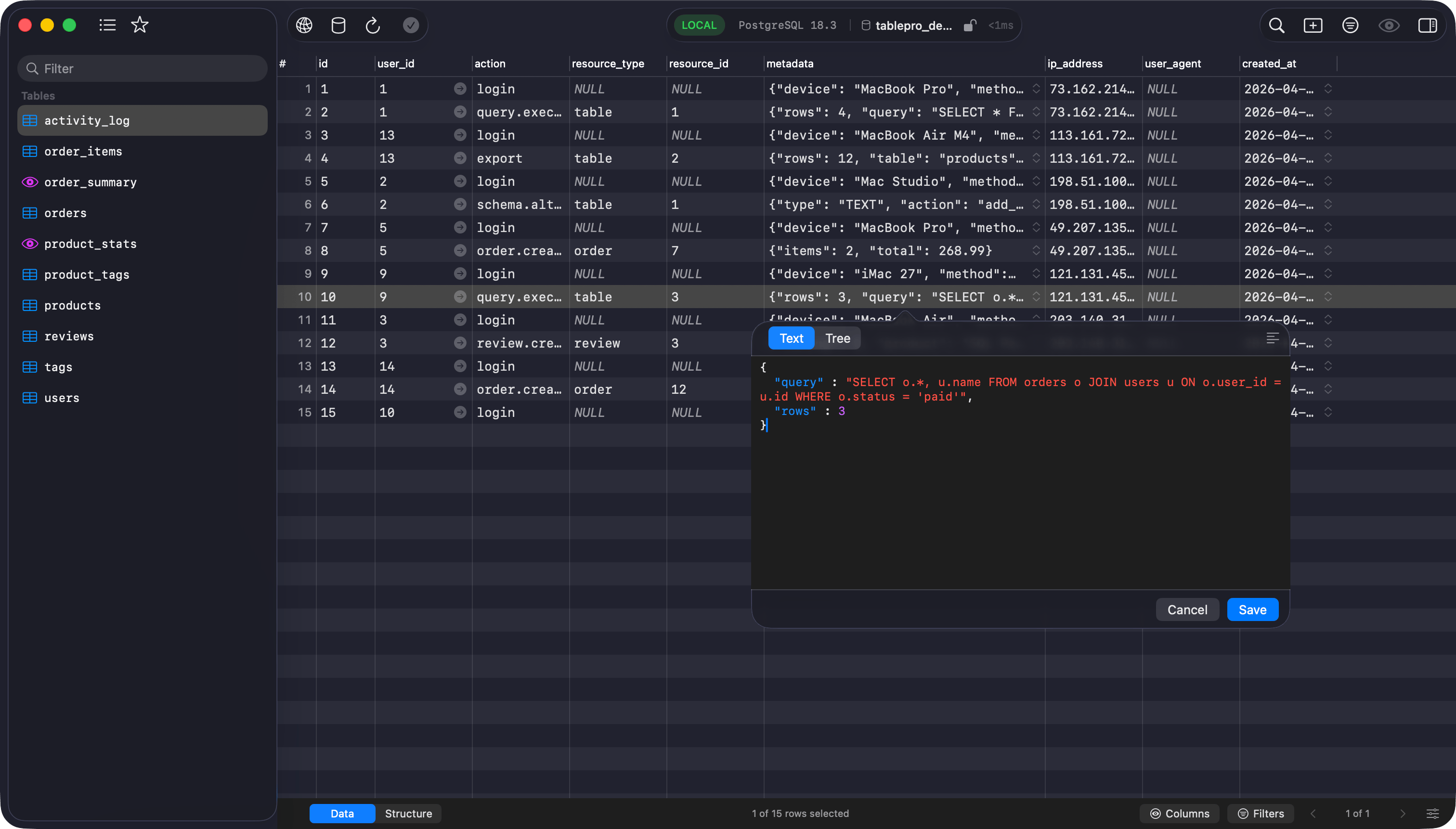
* MariaDB stores JSON columns as LONGTEXT. TablePro reads MariaDB's extended field attributes (`MARIADB_FIELD_ATTR_FORMAT_NAME`) to recognize those columns as JSON, so values open in the JSON editor instead of plain text.
 ## See Also
* [MySQL](/databases/mysql): setup, connection fields, SSL/TLS, troubleshooting
* [SSH Tunneling](/databases/ssh-tunneling)
## See Also
* [MySQL](/databases/mysql): setup, connection fields, SSL/TLS, troubleshooting
* [SSH Tunneling](/databases/ssh-tunneling)